 Cross-university platform portal
Show a desktop notification when the AI TA finishes replying
Notify me when classmates post messages in the forum
Play an alert sound whenever there is a new notification
Joining a course, getting to know the course home page, taking part in discussions and AI dialogue activities, and your data and rights.
 Joining a course and getting started with the AI assistant Watched
How to join with a course code, a link or the class roster, and how to use text chat, image creation and the Bloom level tags.
3:01
2
Joining a course and getting started with the AI assistant Watched
How to join with a course code, a link or the class roster, and how to use text chat, image creation and the Bloom level tags.
3:01
2
 Getting to know the course home page New Watched
How to enter a course from the student console, follow the course schedule and your to-do list, submit file assignments, and where to find worksheets, surveys, presentation peer review, attendance, grades and the calendar.
3:22
3
Getting to know the course home page New Watched
How to enter a course from the student console, follow the course schedule and your to-do list, submit file assignments, and where to find worksheets, surveys, presentation peer review, attendance, grades and the calendar.
3:22
3
 Reading materials and watching classroom media New Watched
Read course materials online on the course home page with continuous scrolling, zoom, material switching and full screen; watch the classroom media your teacher has made available and use synchronized subtitles to jump to what you want to review.
2:34
4
Reading materials and watching classroom media New Watched
Read course materials online on the course home page with continuous scrolling, zoom, material switching and full screen; watch the classroom media your teacher has made available and use synchronized subtitles to jump to what you want to review.
2:34
4
 Checking in and your attendance New Watched
Check in by scanning the QR code with your phone or entering the code, see your own attendance record, and request leave online when you need to.
2:18
Checking in and your attendance New Watched
Check in by scanning the QR code with your phone or entering the code, see your own attendance record, and request leave online when you need to.
2:18
 Completing assignments, quizzes and worksheets New Watched
Find what to do in your to-dos and the assignments overview; submit file assignments and see returned grading; read the quiz overview before you start; worksheets save automatically, so submit when you are done.
2:48
6
Completing assignments, quizzes and worksheets New Watched
Find what to do in your to-dos and the assignments overview; submit file assignments and see returned grading; read the quiz overview before you start; worksheets save automatically, so submit when you are done.
2:48
6
 Course forum Watched
How to post and reply, post anonymously on boards that allow it, follow threads and set notifications, check your own score, and ask the instructor to review an AI judgment you think is wrong.
2:37
7
Course forum Watched
How to post and reply, post anonymously on boards that allow it, follow threads and set notifications, check your own score, and ask the instructor to review an AI judgment you think is wrong.
2:37
7
 Presentation peer review New Watched
See your own group in the groups area; when classmates present, rate their presentation and leave anonymous feedback in presentation peer review; after the session ends, see your own anonymous summary.
2:29
8
Presentation peer review New Watched
See your own group in the groups area; when classmates present, rate their presentation and leave anonymous feedback in presentation peer review; after the session ends, see your own anonymous summary.
2:29
8
 Socratic dialogue and mock debate Watched
How to pick a topic, start and finish a dialogue, what you see after the evaluation, and who decides about grades.
2:48
9
Socratic dialogue and mock debate Watched
How to pick a topic, start and finish a dialogue, what you see after the evaluation, and who decides about grades.
2:48
9
 AI tasks New Watched
Complete an AI task step by step: do your own work first, talk with the AI, hand in a revision and a reflection, then submit and see your score. You can try again.
2:21
10
AI tasks New Watched
Complete an AI task step by step: do your own work first, talk with the AI, hand in a revision and a reflection, then submit and see your score. You can try again.
2:21
10
 Language Writing New Watched
In practice mode, revise with the AI copilot and then see the AI score and a rewrite to compare; in assessment mode, the timer starts only when you press Start and you write on your own within the time limit.
2:38
Language Writing New Watched
In practice mode, revise with the AI copilot and then see the AI score and a rewrite to compare; in assessment mode, the timer starts only when you press Start and you write on your own within the time limit.
2:38
 Study groups New Watched
Anyone can create a study group: invite classmates with a code, share files, edit notes together and talk in the forum, and ask an AI TA that cites your shared knowledge base. Study groups have no grades or attendance.
3:20
Study groups New Watched
Anyone can create a study group: invite classmates with a code, share files, edit notes together and talk in the forum, and ask an AI TA that cites your shared knowledge base. Study groups have no grades or attendance.
3:20
 Privacy, data and research consent Watched
Where your data is stored, what only you can see, how to give or withdraw research consent, and what happens when you delete your account.
2:05
13
Privacy, data and research consent Watched
Where your data is stored, what only you can see, how to give or withdraw research consent, and what happens when you delete your account.
2:05
13
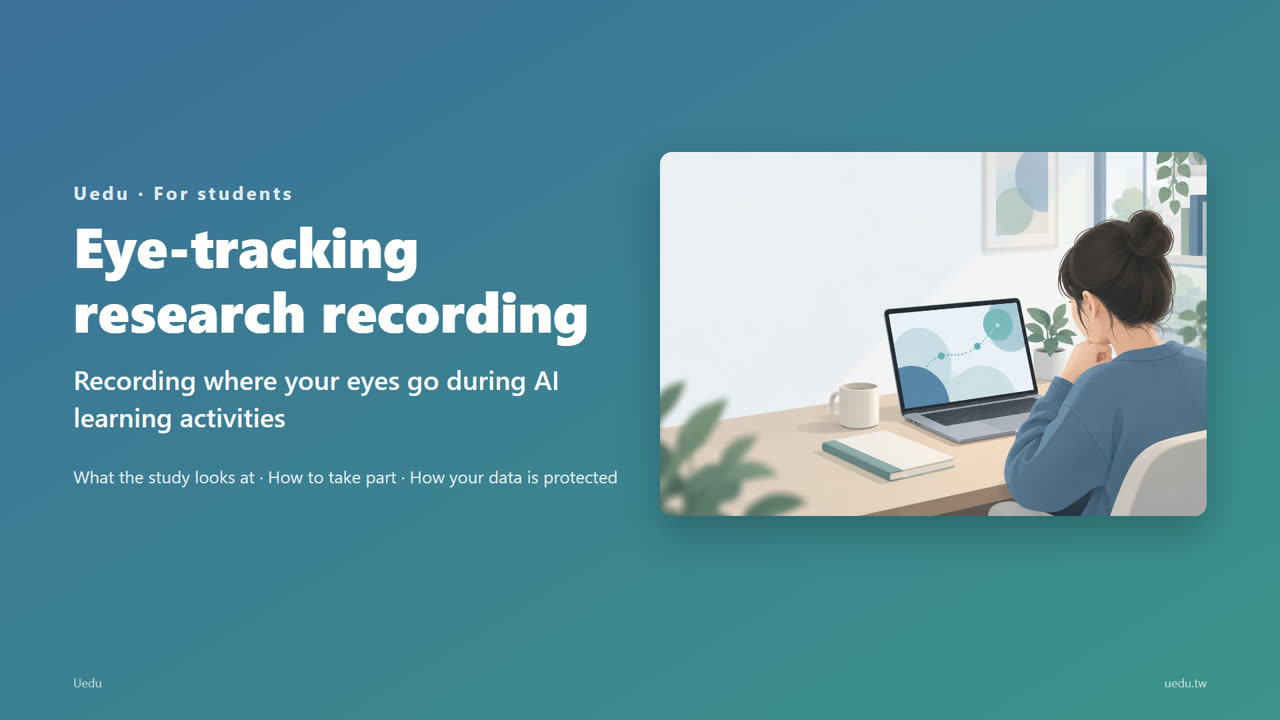 Eye-tracking research recording (how to take part) New Watched
An invitation for students aged 18 and over to take part voluntarily: what the study looks at, how to sign the consent forms, how calibration and recording work, and how your data is protected. Taking part or not has no effect on grades.
4:41
Eye-tracking research recording (how to take part) New Watched
An invitation for students aged 18 and over to take part voluntarily: what the study looks at, how to sign the consent forms, how calibration and recording work, and how your data is protected. Taking part or not has no effect on grades.
4:41
Playback speed defaults to 1.25×; you can change it below the player. Watched videos get a checkmark. When you are signed in, your progress is saved to your account; otherwise it is saved in this browser.